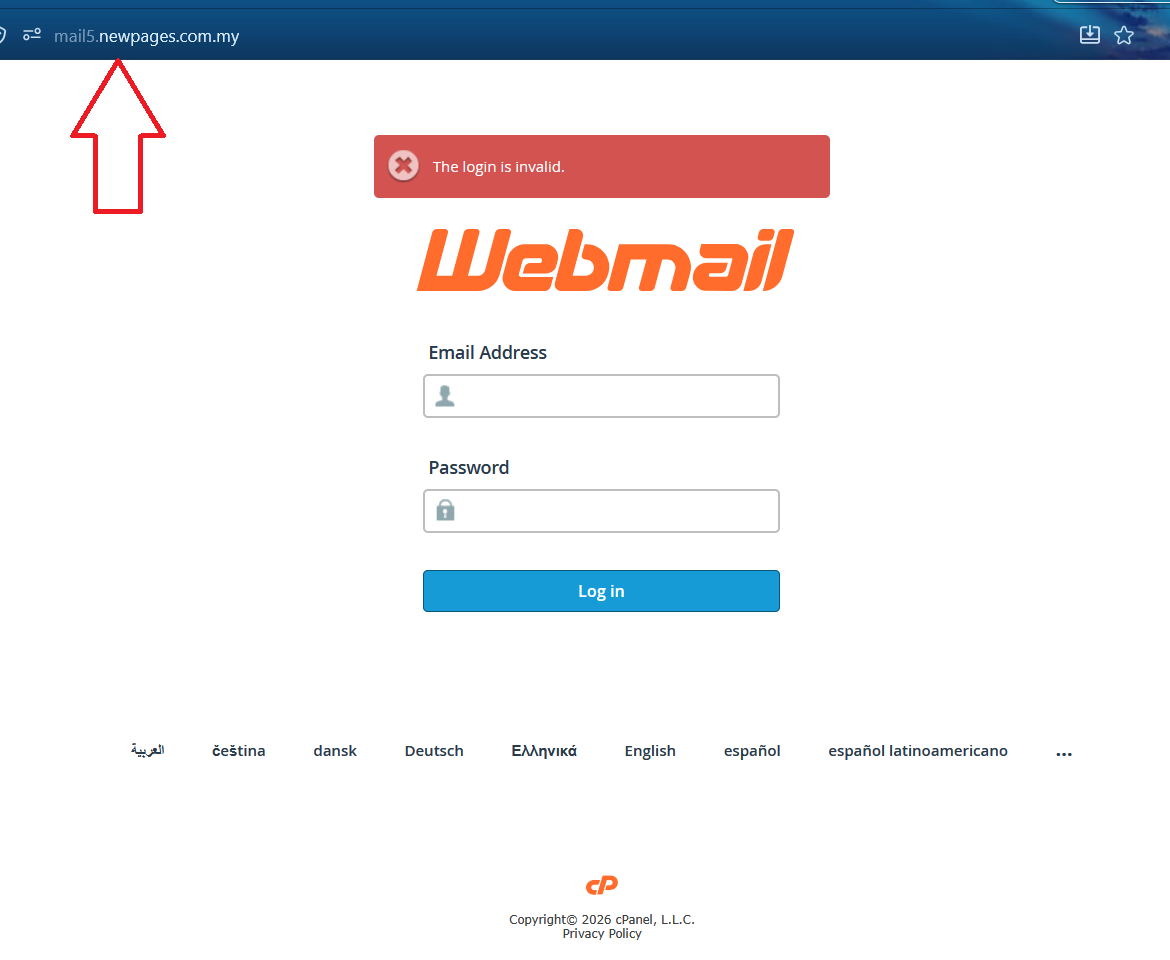
The Login Is Invalid
This error usually appears when the webmail link is incorrect, or when the email address or password entered is wrong.
Why This Happens
The webmail login failed because one or more of the required login details may not be correct.
- !
Wrong webmail link visited
The link may not be the correct webmail login URL for the domain.
- !
Wrong email address
The email address may not exist, may not have been created yet, or may contain typo or spacing errors.
- !
Wrong password
The password entered may be incorrect, expired, or changed previously.
What Can Be Done
Please check the following information before trying to log in again.
- 1
Check whether the webmail link is correct
Make sure the visited webmail link is correct. The correct format is:
mail.{yourdomain}
Example: If your domain is abc123.com.my, then the webmail link should be:
mail.abc123.com.myAfter visiting the correct link, it should redirect to the correct webmail login page.
- 2
Make sure the email address is created and correct
The email address must already be created in the admin email system.
Also make sure there is no typo, extra spacing, or missing character in the email address.
You may check the email account through the admin email system using this guide:
Email Accounts Guide - 3
Make sure the password is correct
The password entered must match the email account password.
If the password is forgotten or incorrect, it can be reset through the admin email system.
You may follow this guide to reset the password:
Reset Email Password Guide
Login Should Work After Checking
If the webmail link, email address, and password are all correct, you should be able to log in to the webmail successfully.