Select Categories
Overview of Commission-Based and Temporary Referral
March 12, 2026Section 1: Introduction
Our affiliate marketing and referral system supports two types of referral persons: Commission-Based Referral Persons and Temporary Referral Persons.
Commission-Based Referral Persons
You can manually add a referral person’s information, including their name, contact number, email, and a customized unique referral link. You can also set a commission percentage for each referral person. When their audience places an order through their referral link, the system will automatically calculate their commission based on the percentage you set.
Learn more about How to Add Referral Person
Learn more about How to Add Commission for Referral Person
Temporary referral persons are your website members who want to become affiliates. They can earn points by sharing referral links, which are rewarded for each inquiry and qualifying purchase generated through their link.
Learn more about How Temporary Referral Person works
| Referral Person | Temporary referral person |
| Initially Free 10 URLs, more than 10 need an add-on | Free and Unlimited |
| Auto calculate commission for bringing new orders | Auto-assign points for enquiries and new orders |
| Signing up as a member is optional, but required if you want point rewards for referring a friend or family member | Must sign up as a member to get point rewards for referring a friend or family member |
|
Complete referral performance and report |
Need to check manually in the referral record |
Section 2: How Temporary Referral Person Works
Once the Affiliate Marketing & Referral Plugin and the Membership & Loyalty Plugin are activated, your website will have a referral page.
To access this page, simply add /referral/ to the end of your domain. For example: https://yourdomain.com/referral/


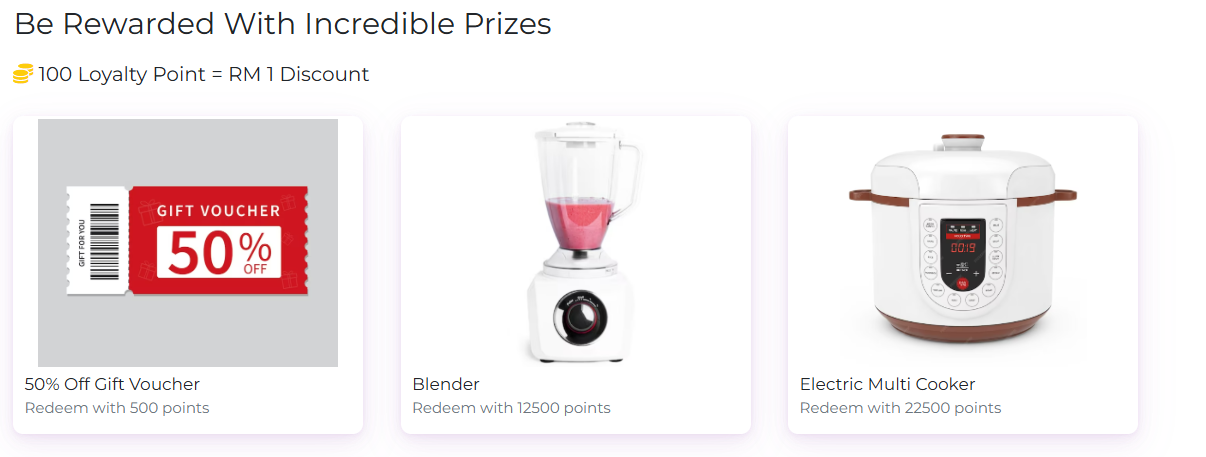




After logging in, your referral link will appear. You can click "Copy Link" to share it manually with your audience, or share it directly on social media or WhatsApp.
Section 3: How Member Check Referral Record
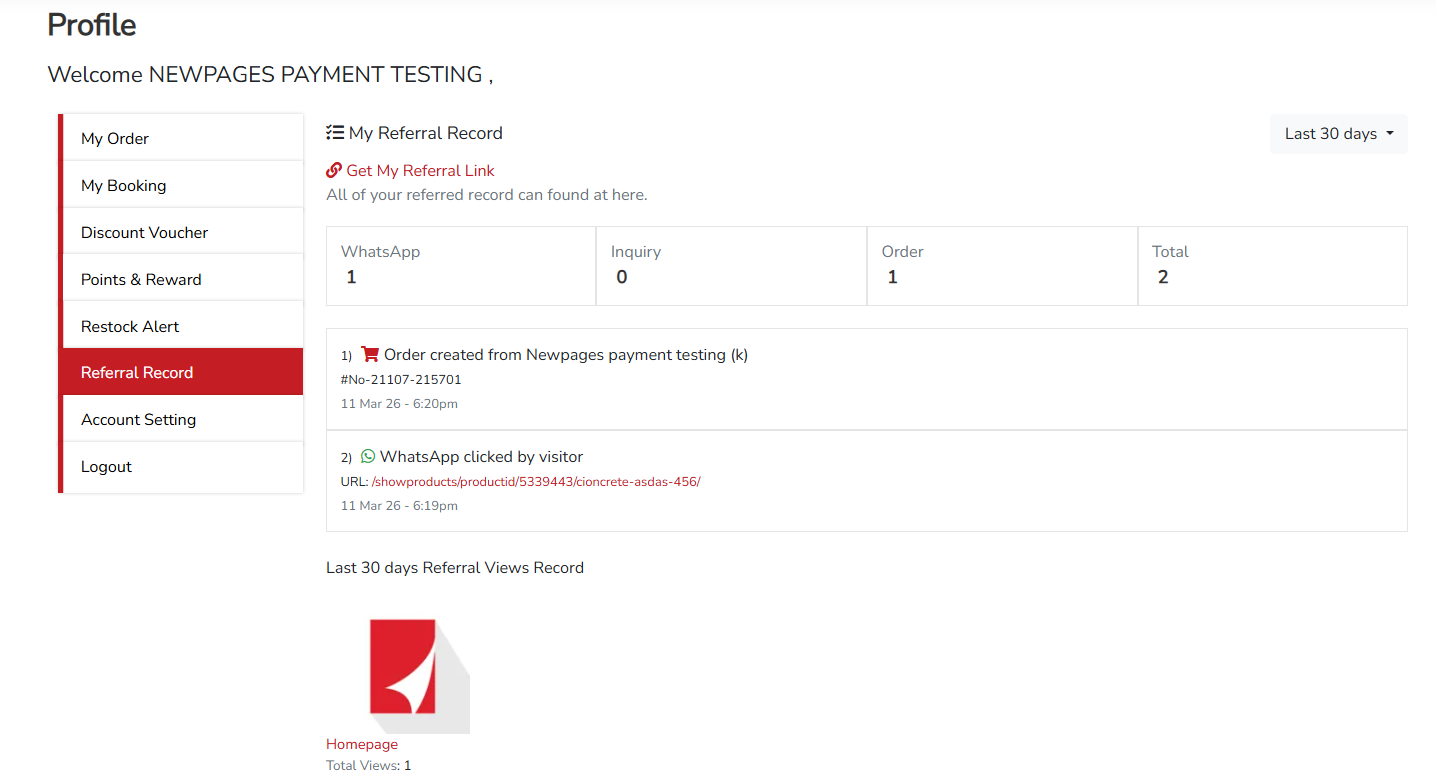
Referrals can log in to their member account, click Referral Record on the left panel, and view their referral records.
